
Learning path curated by UCSF IT and Learning & Organization Development of short videos and guides on how to fix commonly flagged PDF accessibility barriers with recommended micro-learning content from subject matter experts.
- Prioritization and Guidelines
- Build Accessible PDFs from Scratch
- Make Existing PDFs Accessible
- Testing and Checking Resources
- Support at UCSF
Prioritization and Guidelines
UCSF Digital Accessibility Compliance Project
Web resource list

Standards, Guidelines, & Best Practices - UC Electronic Accessibility
Multi-page website
Prioritizing Digital Accessibility: Key Principle and Practices
7min web article
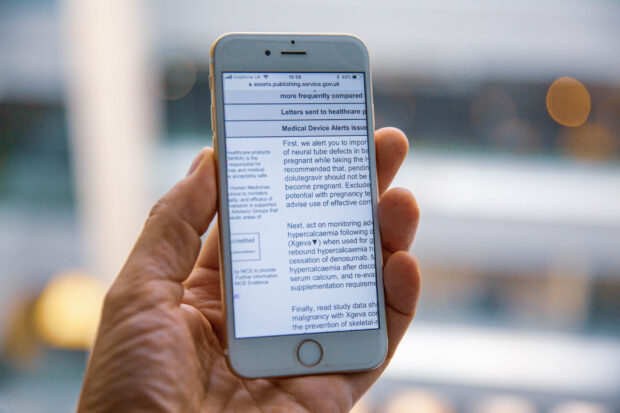
The Case for Replacing PDFs with Website Content
8min web article
PDF remediation workflow: common approaches, pros/cons
Make Existing PDFs Accessible
Have a PDF already that you need to make accessible? Check out these easy fixes for common accessibility issues.
PDF Remediation Tool | UCSF IT
AI-powered online tool
(UCSF login required)

Add Language Definition
2min article
Title Your Document
(Add metadata)
3min video
Image Descriptions:
Add alternative text
5min video
Reading Order tool
7min video
Tagging tables
6min video
Testing and Checking Resources
Tools and events available through UCSF to check your digital content for accessibility.

Color Contrast Checker & UCSF Color Guide
Web tool and article
Support at UCSF
"Users helping users" at UCSF and beyond providing support for standards of practice.

Live Help Sessions for Digital Accessibility
1hr office hours
(UCSF login required)


Communities of Practice - Digital Accessibility
Web contact list
(UCSF login required)

Tell us what you think about the Accessible PDFs MicroLearning Path